How the Internet Actually Works (Explained Simply)
Creed Vaughn
September 25, 2026
The internet feels almost invisible. You open your phone, type a website address, tap a video, send a message, or search for something, and information appears almost instantly. Because the process happens so quickly, it is easy to imagine the internet as some enormous digital cloud floating somewhere above us.
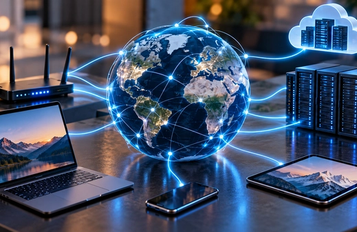
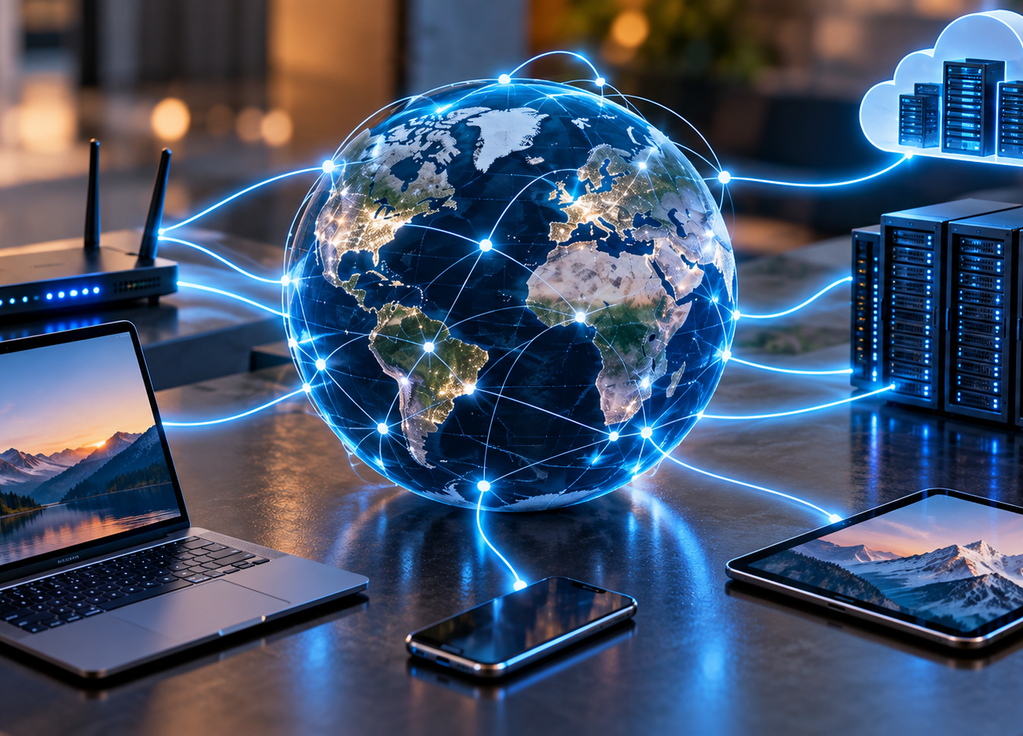
In reality, the internet is surprisingly physical. It is made of computers, servers, routers, cables, data centers, antennas, and enormous networks connected to other networks. When you open a website, your device is essentially asking another computer somewhere in the world to send information to you. The remarkable part is how quickly all the systems between those two computers can make that happen.
The internet is basically a network of networks
At its simplest, the internet is a huge collection of computer networks that have agreed on ways to communicate with one another. Your home Wi-Fi is a small network. A university has its own network. A company may operate networks connecting thousands of computers. Internet service providers operate much larger networks, and those networks connect with others around the world.
There is no single machine called “the internet.” There is also no single central location through which everything must pass. Instead, countless independent networks exchange information using common technical rules. This decentralized structure is one reason the internet can continue functioning even when individual computers or connections fail.
Your device first needs a way onto the network
When your laptop connects to Wi-Fi, it communicates with your router. The router then connects your home network to an internet service provider, usually through fiber, cable, or another type of connection.
Phones can reach the internet differently. When you are away from Wi-Fi, your phone communicates with nearby cellular infrastructure, which connects into your mobile provider’s network and eventually the wider internet.
Either way, your device needs an entry point.
Think of your home or mobile network as a small road connecting to a much larger highway system. Once your information reaches those larger networks, it can travel enormous distances.
IP addresses tell computers where information should go
Devices communicating across the internet need addresses.
This is where IP addresses come in.
An Internet Protocol address functions somewhat like a digital destination address. Computers and networking equipment use these addresses to determine where information should be sent.
You rarely type an IP address yourself because strings of numbers and characters are inconvenient for humans to remember.
Instead, we use domain names such as example.com.
That creates another problem: your computer needs to figure out which IP address corresponds to the name you entered.
The Domain Name System helps solve it.
DNS is like the internet’s address directory
Suppose you type a website name into your browser.
Your computer needs to find the server associated with that domain.
It can ask the Domain Name System, usually called DNS, for help.
DNS translates human-friendly domain names into the network addresses computers use to communicate.
The comparison to a phone book is not perfect, but it is useful. You know someone’s name, while the directory helps you find the number needed to reach them.
Once your device has the appropriate address, it knows where the request should ultimately go.
And then the journey begins.
Your data is broken into packets
When information travels across the internet, it generally does not move as one enormous uninterrupted block.
It is divided into smaller units called packets.
Imagine sending a large book through the mail but separating it into many numbered envelopes. Each envelope contains part of the book along with information about where it needs to go.
Internet data works somewhat similarly.
A webpage, image, message, or other information can be divided into packets that travel through networks and are handled appropriately at the destination.
This makes internet communication flexible and efficient.
Networks can move enormous amounts of information from many users at the same time instead of reserving an entire connection for one person’s request.
Routers decide where packets travel next
Packets rarely travel directly from your computer to the destination server.
They pass through networking equipment along the way.
Routers examine destination information and determine where packets should be sent next.
Think of them as traffic managers positioned throughout the internet.
A packet might leave your home, enter your internet provider’s network, pass through several major network connections, cross into another provider’s infrastructure, and eventually reach a data center containing the server you requested.
The exact path can change depending on network conditions.
That flexibility is one of the internet’s strengths.
There are often multiple possible routes between two places.
Most international internet traffic travels through cables
The word “wireless” can create a misleading picture of how the internet works.
Your phone may connect wirelessly to a cellular tower. Your laptop may connect wirelessly to your router.
But much of the internet’s long-distance infrastructure depends on physical cables.
Fiber-optic cables carry enormous amounts of information using pulses of light. They connect cities, countries, and continents.
There are even major fiber-optic cables running across the ocean floor.
When someone in Europe opens a website hosted in North America, their data may ultimately cross the Atlantic through an undersea cable.
Satellites also provide internet connectivity, particularly in locations where terrestrial infrastructure is difficult to build, but the physical cable network remains fundamental to global internet traffic.
Servers are computers waiting for requests
A server is essentially a computer designed to provide something to other computers.
When you visit a website, your browser sends a request to a server.
The server processes that request and sends back the information needed to display the page.
Large online services do not depend on one ordinary computer sitting in an office.
They may operate enormous numbers of servers distributed across multiple data centers around the world.
These facilities contain computing equipment, networking systems, storage, power infrastructure, cooling systems, and backup mechanisms.
This physical infrastructure is what allows millions of people to use the same online service simultaneously.
Websites are instructions your browser understands
When a server responds to your request, it sends information your browser can interpret.
HTML provides the basic structure of webpages. CSS controls much of their appearance. JavaScript can add behavior and interactivity.
Your browser receives these resources and assembles them into the page you see.
That means a webpage is not usually being streamed to you as one finished picture.
Your browser is actively constructing the experience using information provided by servers.
Modern websites can be much more complicated, communicating with databases and many additional services behind the scenes.
But the basic idea remains the same: your browser requests resources, receives them, and turns them into something useful.
Apps use the internet in a similar way
When you open a weather app, banking app, social network, or messaging service, much of the information you see is not permanently stored on your phone.
The app communicates with remote servers.
Suppose you refresh a social media feed.
The app sends a request asking for new information. Servers process the request, determine what content should appear, and send data back to your phone.
Your app then displays it.
This interaction may happen many times while you are using the app without you noticing.
The internet is constantly carrying small conversations between your device and remote systems.
APIs help different software systems communicate
Modern internet services often depend on APIs, or application programming interfaces.
An API provides a structured way for one software system to request information or functionality from another.
Imagine a travel app showing weather information.
Instead of operating its own global weather-monitoring infrastructure, it might request data from a weather service through an API.
The API defines what can be requested and how the response will be structured.
This allows companies to build complicated services by connecting many specialized systems together.
A single app on your phone may quietly communicate with multiple APIs while appearing to you as one seamless product.
Encryption helps keep private information private
Sending information across many networks creates an obvious security problem.
You do not want passwords, banking information, or private messages traveling across the internet as easily readable text.
Encryption helps protect information by transforming it into a form that unauthorized parties should not be able to understand without the appropriate cryptographic keys.
When you visit a website using HTTPS, encryption is used to help secure communication between your browser and the website.
This does not make every website trustworthy or eliminate every security risk.
It means the communication itself has important protections against being casually read or modified while traveling across the network.
The cloud is still someone else’s computers
“Cloud computing” sounds almost magical.
But the cloud is ultimately physical infrastructure.
When photos are stored “in the cloud,” they are stored on servers operated in data centers.
When a company rents cloud computing power, it is using computing resources running on real machines somewhere.
Cloud services feel abstract because users do not need to know exactly which server contains their information.
The provider handles much of that complexity.
The cloud did not make computers disappear.
It made their location less important to the person using them.
All of this can happen in milliseconds
Perhaps the most remarkable thing about the internet is not any individual technology.
It is the speed at which everything works together.
You type a website address.
DNS helps identify where it should go.
Your request becomes packets.
Routers move those packets through multiple networks.
The request reaches a server.
The server processes it.
A response travels back across the network.
Your browser receives the information and builds the page.
And under good conditions, much of this happens so quickly that you experience it as simply clicking a link.
That illusion of simplicity is one of engineering’s greatest achievements.
The internet feels effortless precisely because an enormous amount of complicated infrastructure is working underneath it.
Every message, video, website, search, and online call depends on that infrastructure quietly moving information between computers around the world.
The internet is not really a mysterious digital cloud.
It is billions of devices connected by networks, following shared rules and passing tiny pieces of information incredibly quickly.
And somehow, most of the time, it all arrives exactly where it is supposed to go.